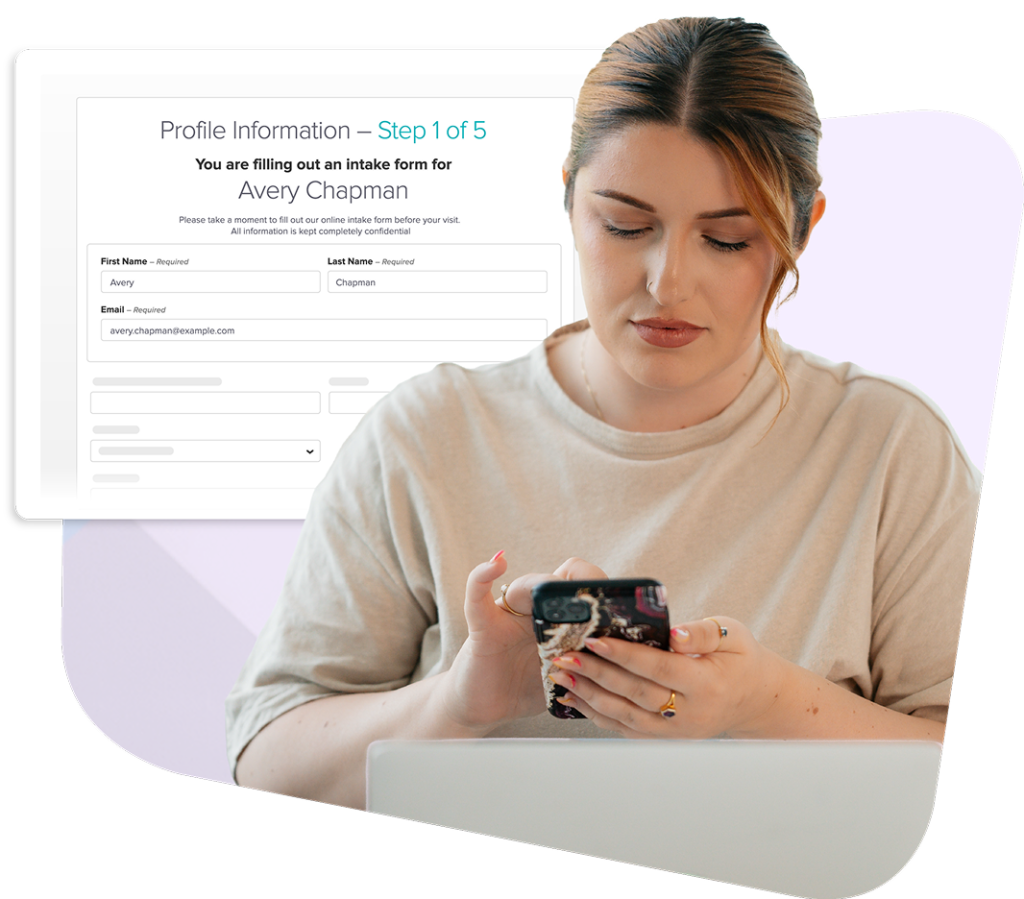
Online intake form
Collect patient history before the first visit
Customizable digital forms clients complete on any device, before they arrive, with every detail saved directly to their chart.
OVERVIEW
Reduce front desk work and save time for care
Jane's intake forms collect details like health history, consent, insurance, and even payment method, so you’re fully prepared before the first appointment.
Here’s what sets Jane’s intake forms apart:
- Intake forms sent automatically at time of booking
- Customizable templates across disciplines and clinic types
- Consent, history, and payment information collected early
- Information saved directly to charts without manual entry
Benefits
Intake that keeps patient charts accurate from the start
Jane handles the back-and-forth of intake, so your team doesn't have to. Forms are sent right when the patient books, reminders go out automatically, and completed responses are documented directly in the client record.
Templates & Customization
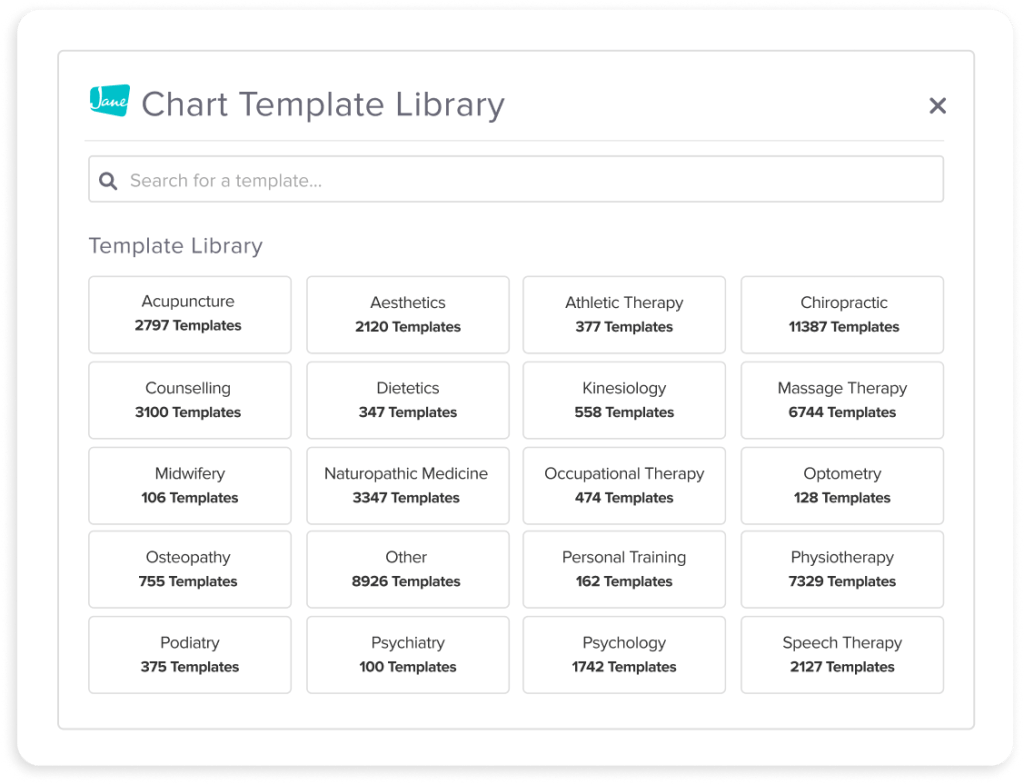
Customize a template to make it yours
Every practice has a different intake process. Jane’s intake form template library gives you a starting point that you can edit for the needs of your clinic and be updated anytime.
- Choose from clinic-wide or discipline-specific templates
- Customize questions, wording, and required fields
- Add multiple forms into your intake process at time of booking

Automation & reminders
Automate forms and reminders
Once your intake process is set up, Jane takes it from there. Forms go to clients when they book, and reminders are sent automatically. No paperwork, manual data entry, or delays.
- Send forms right away when patients book appointments
- Follow up with automatic reminders to complete intake forms
- Retain the option to send forms manually whenever needed
Simple for clients
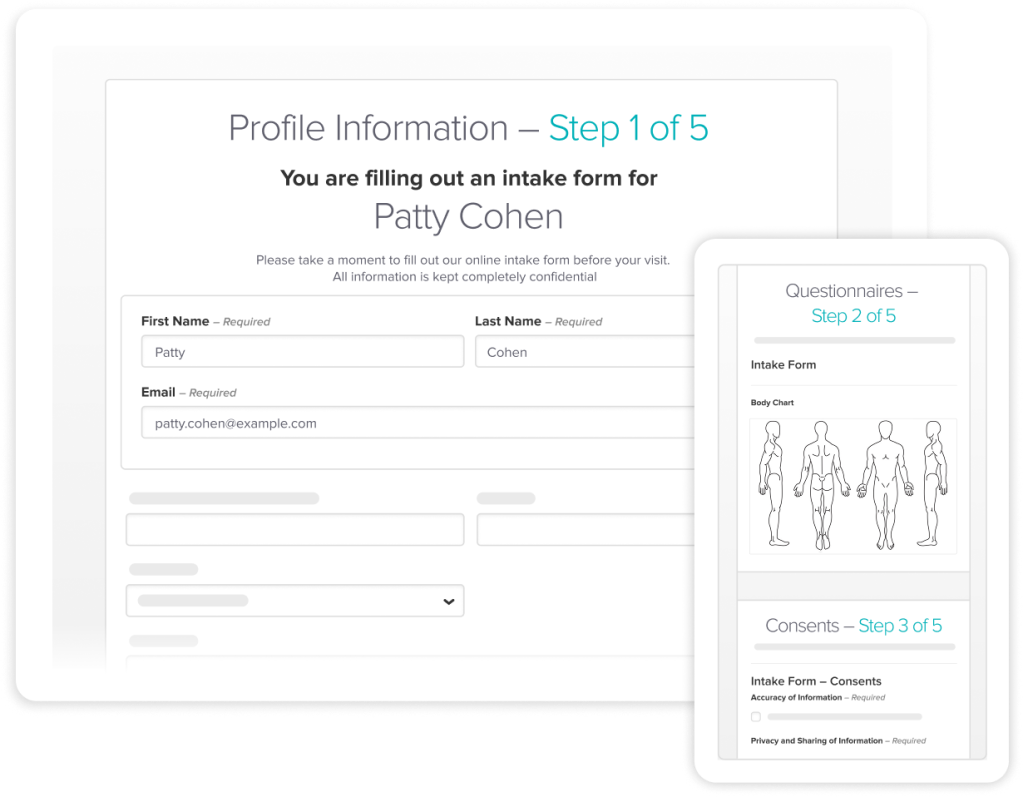
Ensure an easy patient experience
A smooth intake experience makes a great first impression on new patients. Plus, you show up to the first appointment informed and prepared so you can make the most of your time.
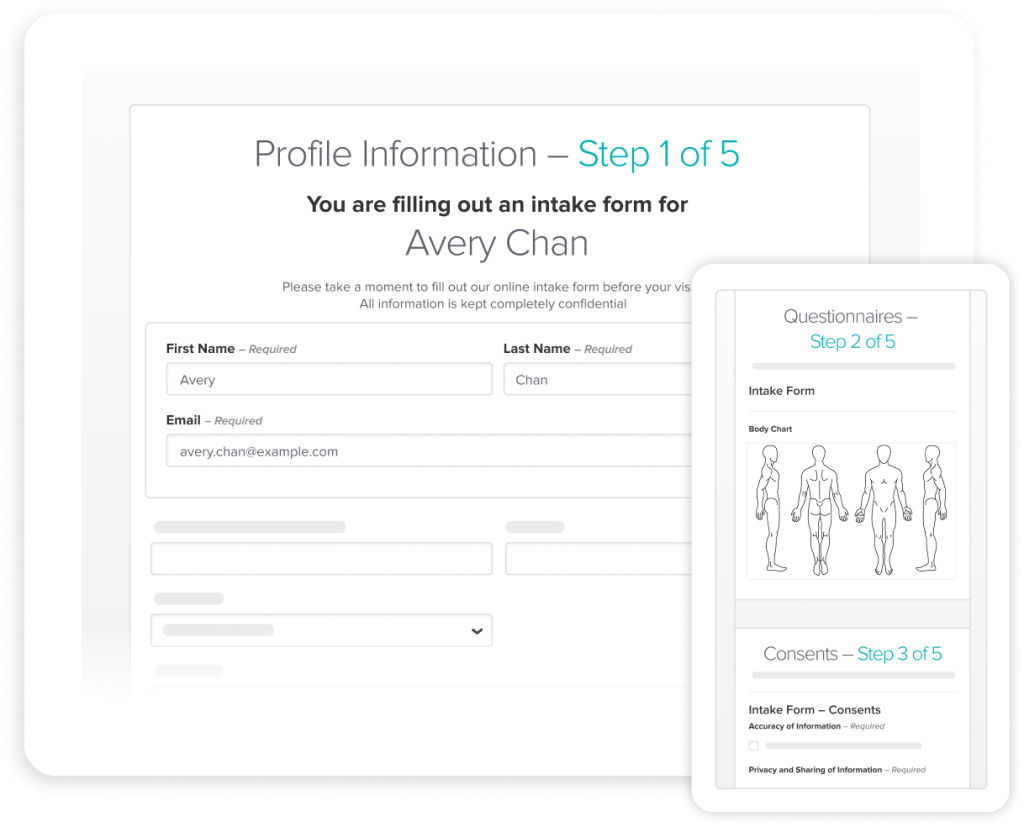
- Patients complete forms on any device, at home or on the go
- No scanning, uploads, or manual data entry for your team
- Forms are clear, straightforward, and easy to navigate
Collect what you need
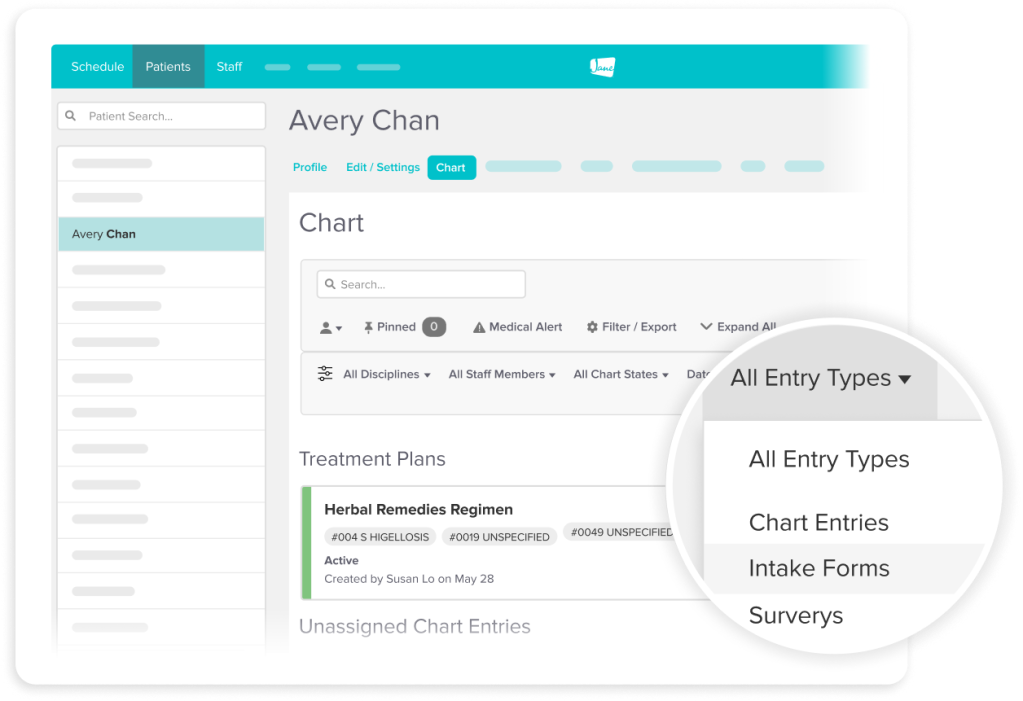
Get critical patient information early
Intake forms give you everything you need before the first appointment starts. Collect more than just health history, so your visits start with care conversations, not paperwork.
- Capture consent to treatment ahead of the appointment
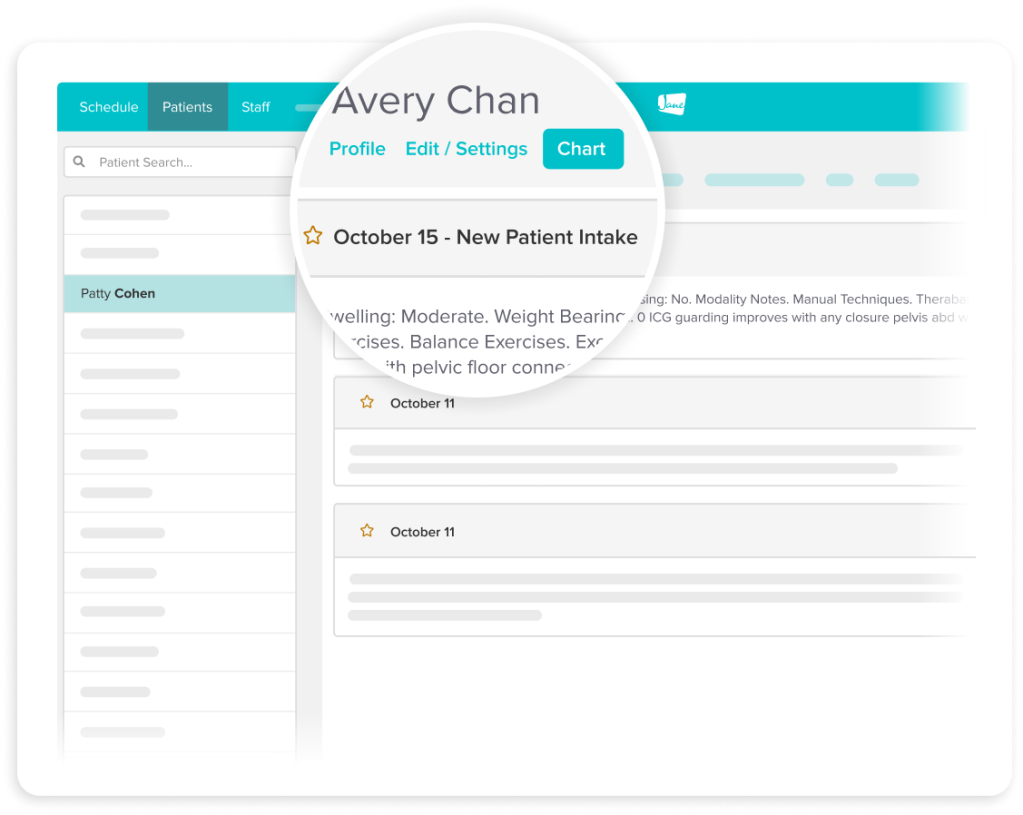
- Save health histories from intake directly to your patients’ charts
- Collect insurance and credit card information if needed
Secure by design
Keep data protected from the start
When clients share personal health information, they're trusting you to keep it safe. Jane is HIPAA and PIPEDA-compliant, storing all forms securely, with custom access limits.
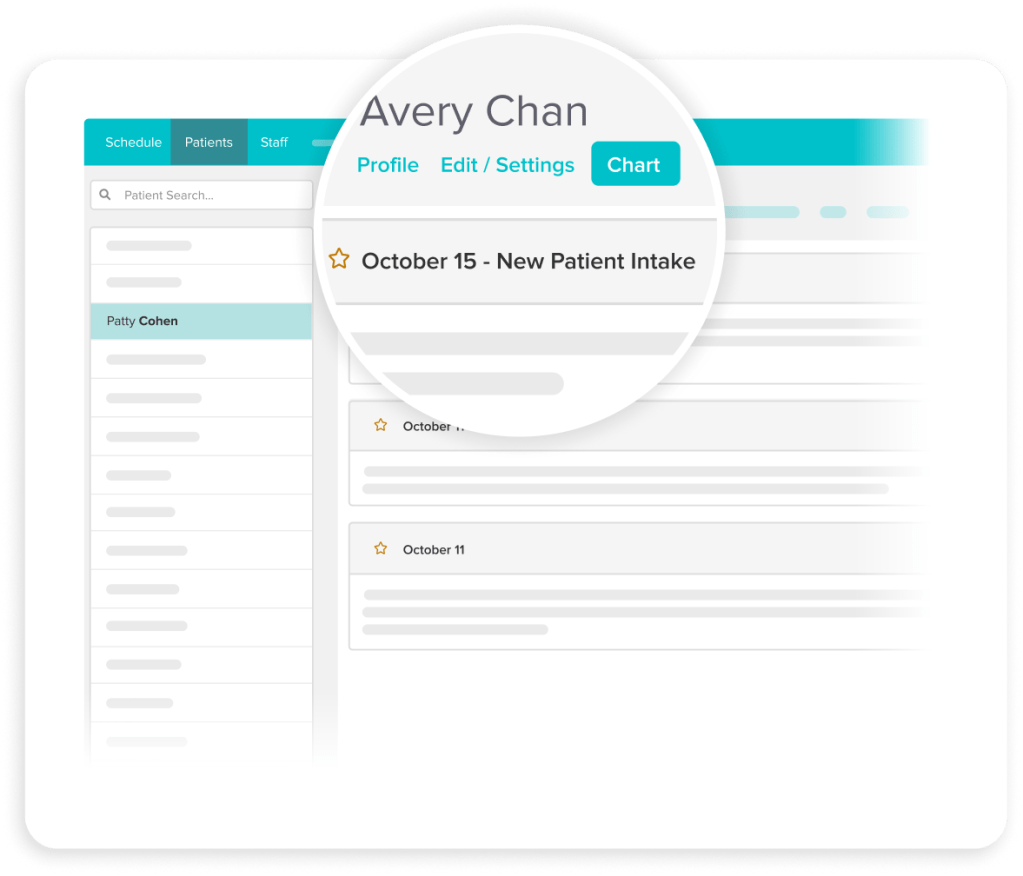
- Save information from completed forms directly to the client's chart
- Responses are encrypted, stored securely, and HIPAA/PIPEDA compliant
- Set permission-based access controls for who can view records
How it works
Make your intake
process a breeze
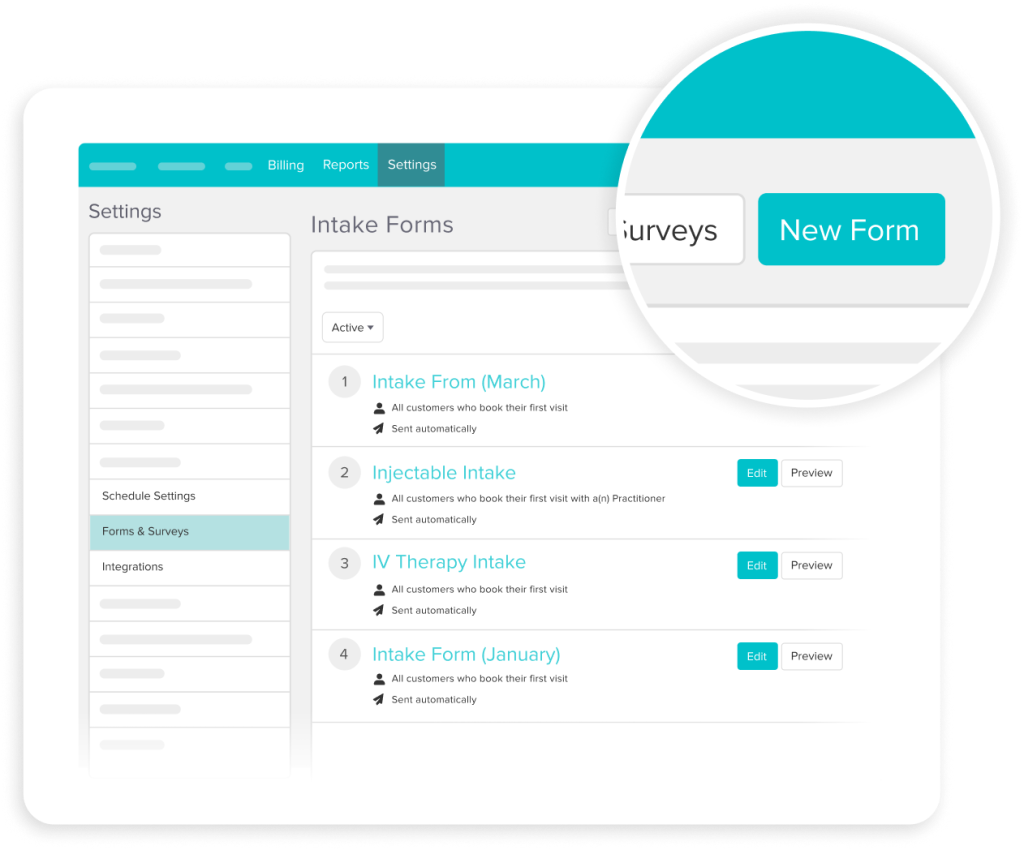
1. Build your form
Start with a template from Jane's library or create your own with customized questions, consent language, and required fields.
2. Set your rules
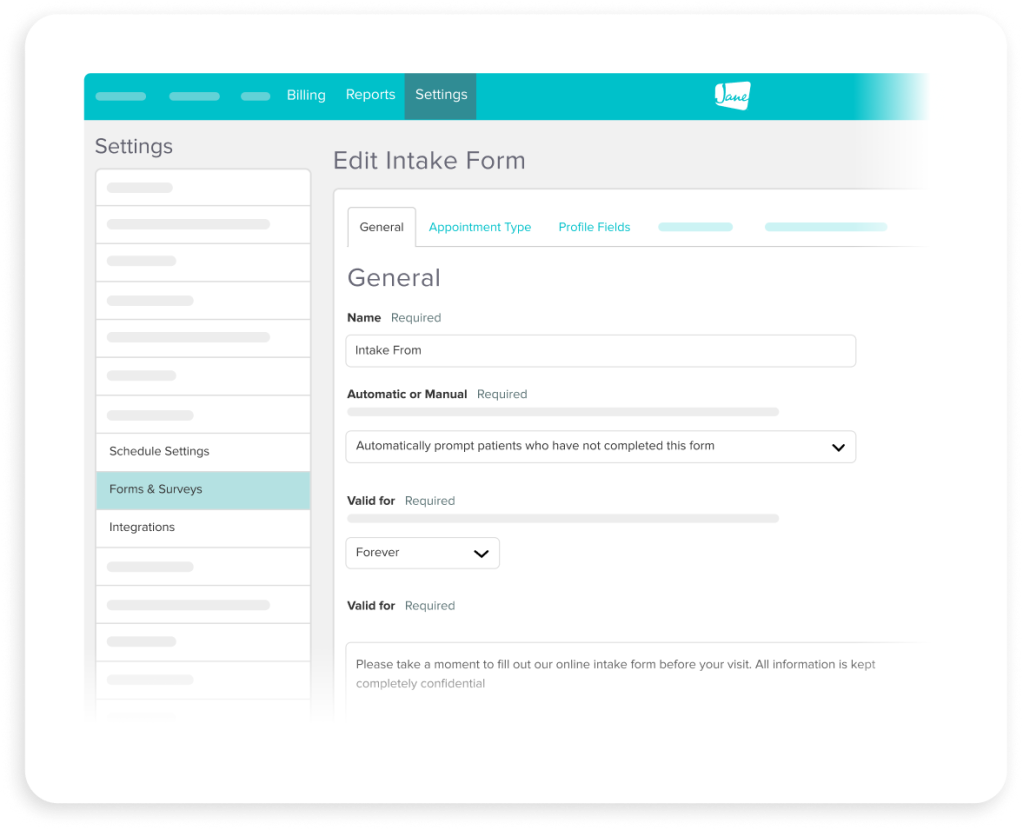
Choose if forms go out automatically or manually, by discipline, appointment type, or staff member.
3. Forms are sent automatically
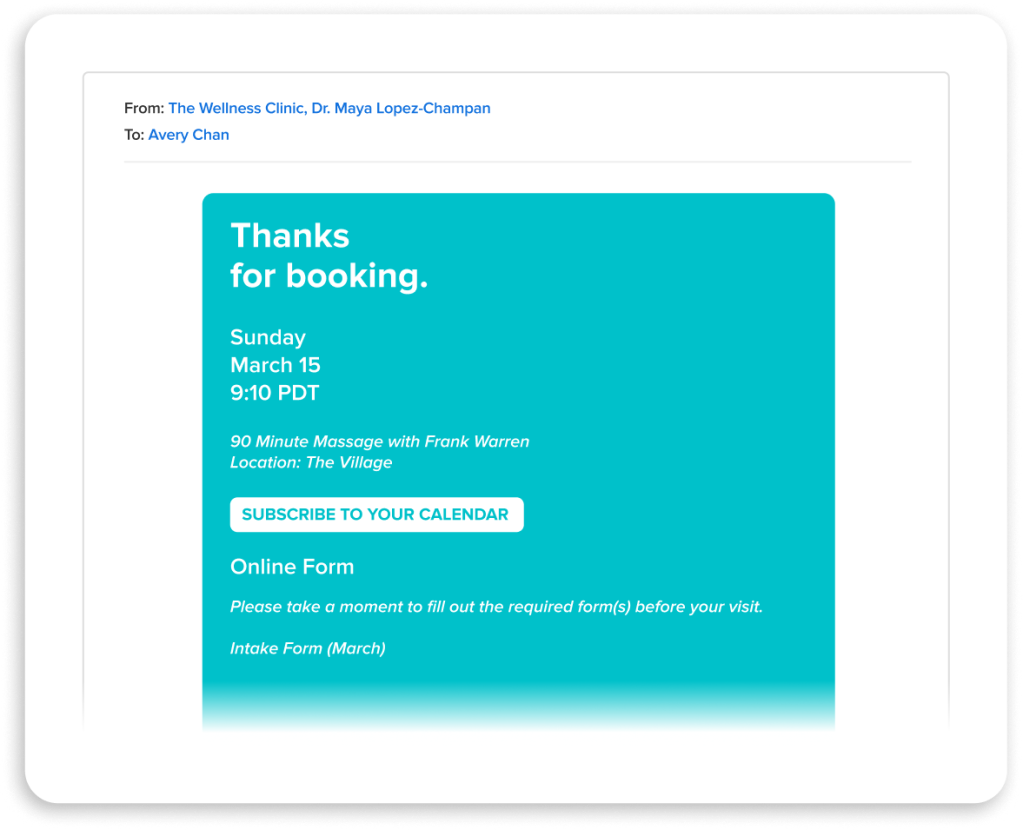
When someone books, Jane sends the intake form by email along with an automatic reminder 24 hours before the appointment.
4. Patient completes the form
Patients fill out the form on any device before their visit, along with insurance details and payment information if needed
5. Details are saved
Completed responses are saved directly to the patient’s record in Jane without manual entry or uploading.
Testimonials
Loved by 240k+ practitioners
We built Jane to ease the admin load, and practitioners have noticed. With a 4.8-star rating on Capterra and 450+ reviews, Jane is trusted by clinics like yours every day.




I've been in love with Jane since 2017! I love all the automations. I love the intake forms. I love that consent is captured up front. I love the ability to create my own templates. I could go on for days!
Melanie T. Speech-Language Pathologist
Resources
Access thoughtful resources for managing your practice

Blog
Intake Forms Done Right: How to Make a Great First Impression
Ensure your patient experience is authentic and meaningful from the very first moment.

Guide
Intake Forms, Charts, and Consent Templates
Learn more about what's available in Jane's template library for your practice.

Tutorial
Setting Up Online Intake Forms
See how to build, customize, and automate intake forms so client information arrives before they do.
Why Jane
Designed for the way you provide care

Less admin, more time
Jane’s all-in-one, easy-to-use software reduces admin so you can focus on doing your most impactful work.

Flexible by design
We know every practice is different. Jane was built to meet the unique and changing needs of your business.

Better patient experiences
Jane makes it easy for patients to keep up with their care, creating great experiences time and time again.

Helpful human support
When you join Jane, you get an expert team and community of helpful people committed to your clinic’s success.
Frequently asked questions
Jane's template library includes clinic-wide and discipline-specific options for inspiration. You can also build your own and customize questions, wording, and required fields to match your practice.
You can set forms to send automatically when a patient books, so there's no manual follow-up required. You can also send them manually whenever needed.
Jane automatically sends a reminder 24 hours before the appointment, so your team doesn't have to chase it down. And if you want a fuller picture of what's outstanding, the Patient Forms Report lets your team keep tabs and take action where needed.
Patients can complete intake forms at home or on the go with any device (phone, tablet, or desktop) before their appointment.
Completed forms save directly to the client's chart. No scanning, uploading, or manual data entry needed.
Jane's intake forms support consent capture before the appointment, with responses saved directly to the client's record.
Intake forms can optionally collect insurance details and credit card information through Jane Payments, which meets PCI compliance standards.
Jane is designed to be HIPAA and PIPEDA-compliant. All responses are encrypted and stored securely, with permission-based access controls to manage who can view client records.
Jane supports clinic-wide and practitioner-specific intake forms with shared records and role-based access, so the setup works whether you're a solo practitioner or part of a larger team.

Get started
Run your practice with Jane
Ready to make the day-to-day feel easier? Jane is here to help.